Captions
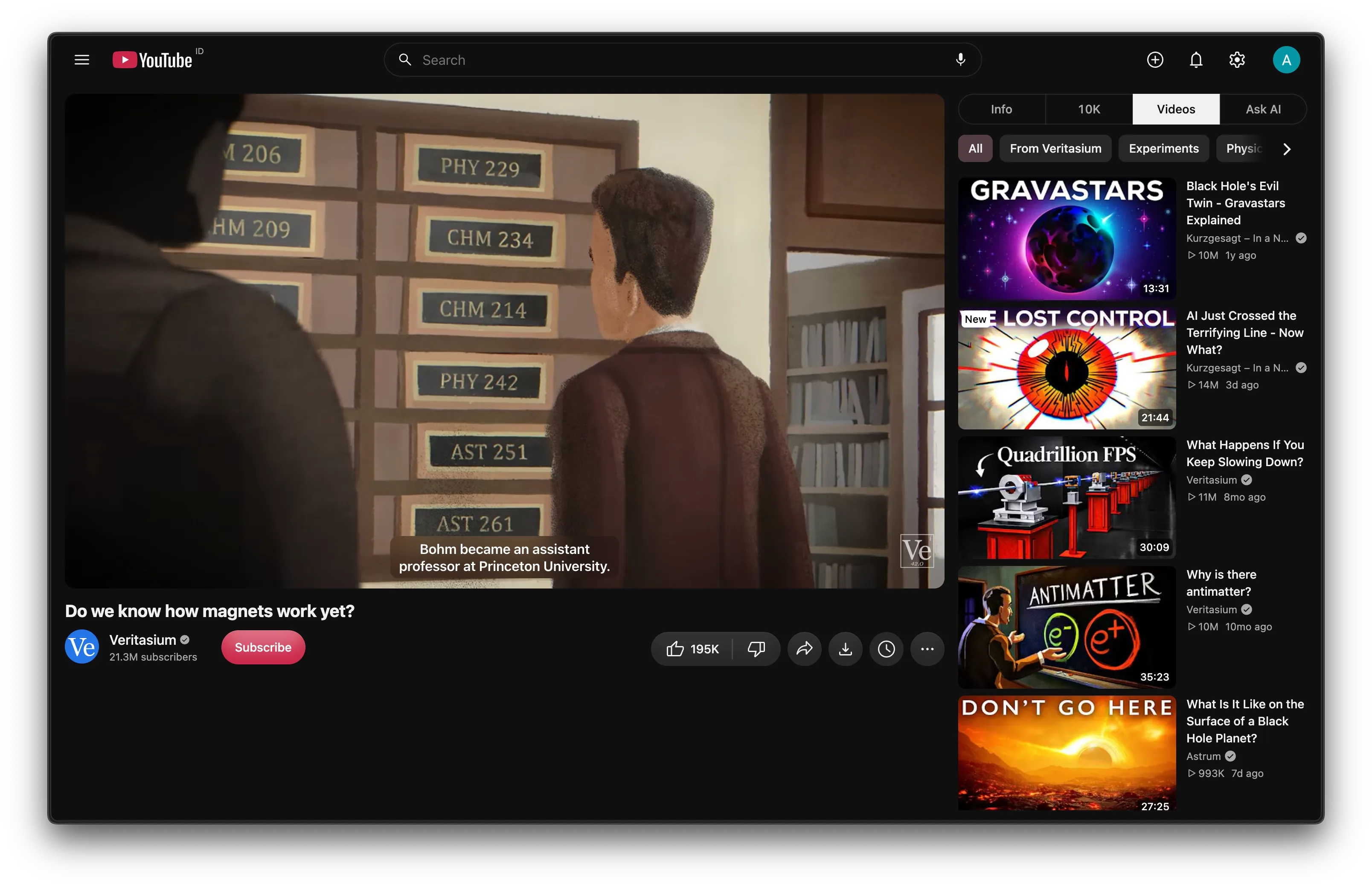
Captions are white semibold text in the font you picked under Font. They are sized to the player, so they grow in theater mode and fullscreen. When the controls show, captions slide up out of their way in 200 ms both ways (no animation with reduced motion).
Settings
Section titled “Settings”The switch is Watch page → Captions, on by default.
| Option | Choices | Default |
|---|---|---|
| Style | Shadow, Box, Blur | Shadow |
| Size | 50% to 200% in 10% steps | 100% |
- Shadow draws a soft shadow behind the text and no box.
- Box puts one rounded dark plate behind the whole caption.
- Blur puts a lighter plate behind it that blurs the video. A blur over moving video redraws with every frame, so it costs some GPU work while captions show.
Size applies while you drag the slider. YouTube’s own Subtitles → Options entry is hidden while the feature is on, because Kempt’s style wins over it. Turn Captions off to get YouTube’s caption settings back.
How it works
Section titled “How it works”- The feature is CSS only. YouTube writes its caption settings as inline styles, so Kempt’s rules use
!important. - The size is
4.6cqhof the caption container (clamped to 13 to 48 px), times the Size slider. YouTube’s own default measures about4.4cqh. - YouTube sizes each caption window for its own text. A centred window gets the width of Kempt’s text and centres on YouTube’s anchor, so placement and dragging keep working. Windows anchored at an edge keep YouTube’s position.
- Auto-generated captions keep YouTube’s clip, so old lines still scroll out of the top.