Kempt
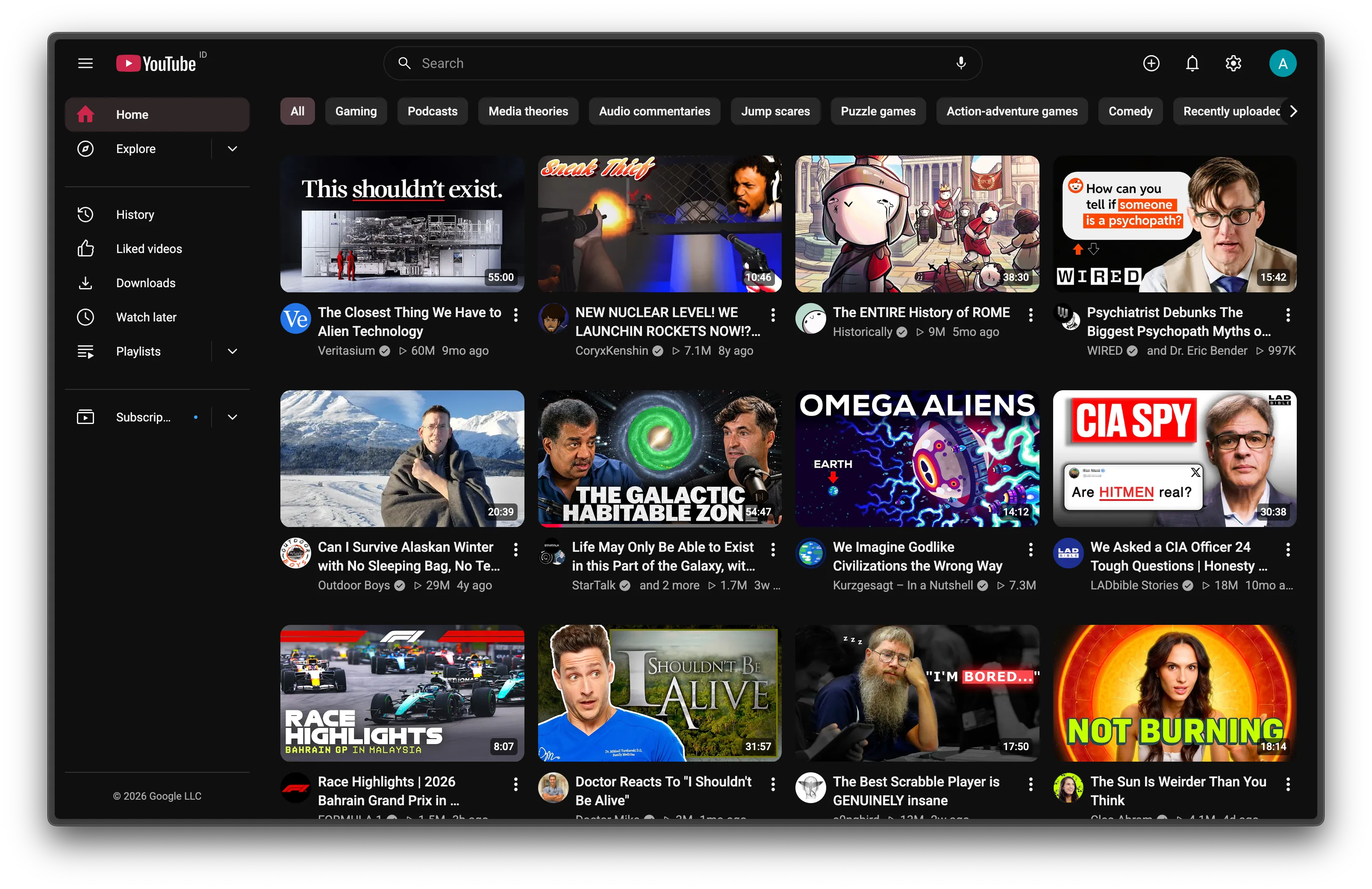
YouTube but kempt. One accent color and icon set, and less clutter.
What it does
-
Watch page
Comments one click away
Info, Comments, Videos, Live chat and Ask AI share one panel beside the player. Only the open tab scrolls, so the video stays in view. Comment sort becomes two chips, Watch later gets its own button, and the seek bar can ripple as a wave.
How it works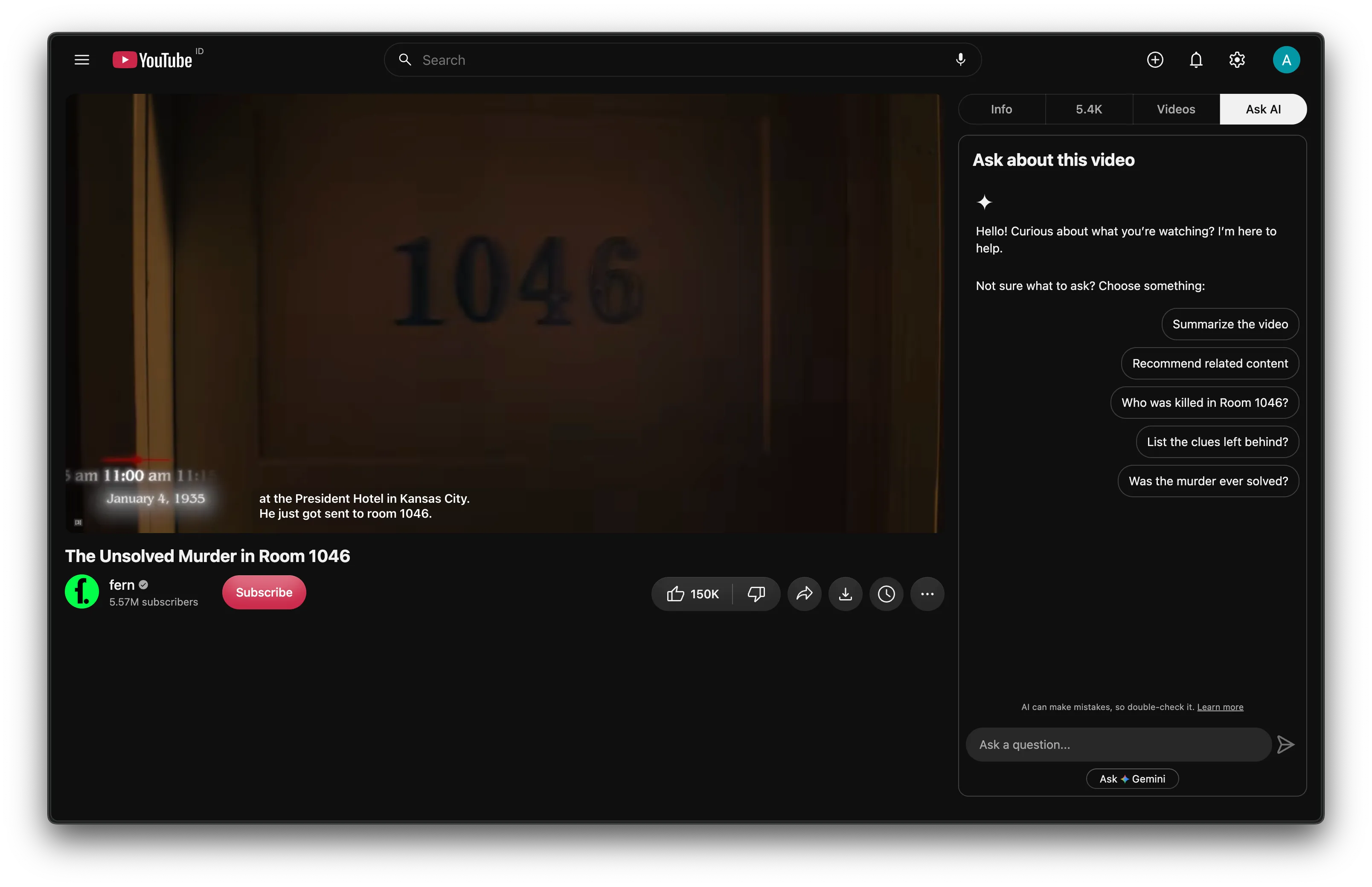
-
Captions
Subtitles you can read
Captions in your font, white and semibold, sized to the player. Pick a soft shadow, a dark box or a blurred plate, at any size from 50 to 200%. They slide up out of the way when the controls show.
How it works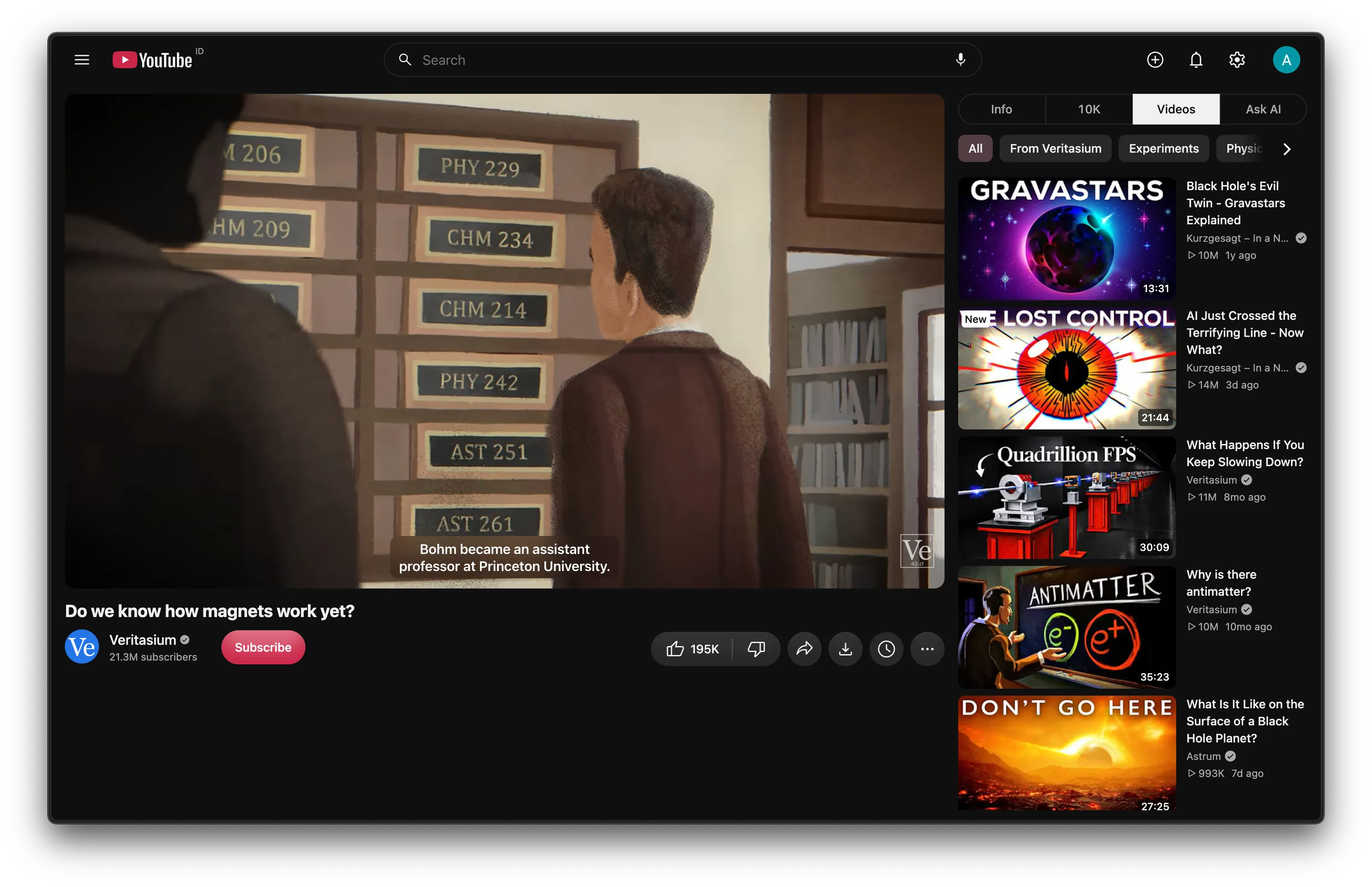
-
Subscriptions
Your feed, by day
Uploads sit under date headers on a timeline: Today, Yesterday, 2 weeks ago. Chips filter All, Videos, Live and Shorts; the search box filters by title or channel. History gets the same headers.
How it works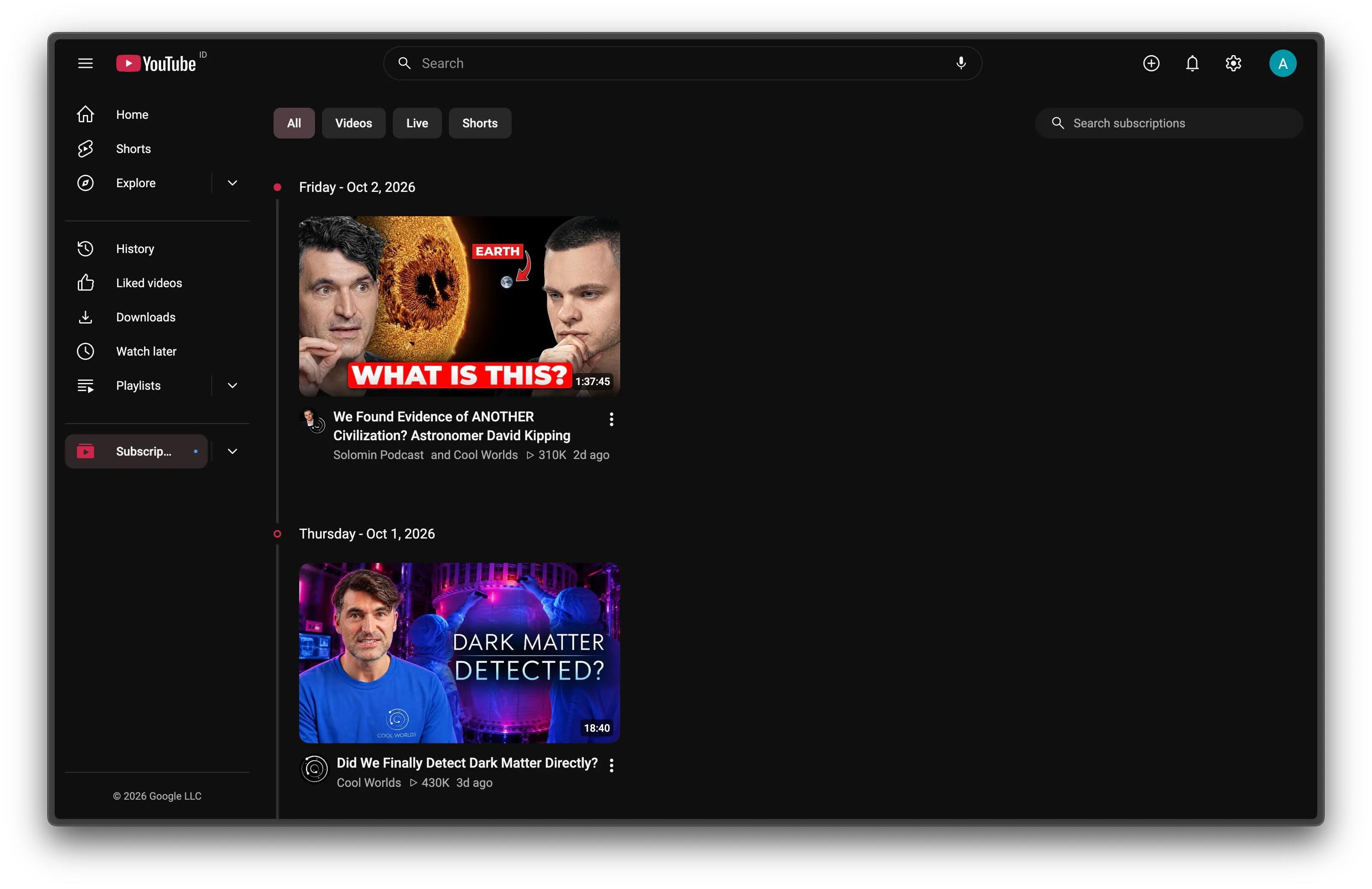
-
Sidebar
Everything in its place
Explore folds into a dropdown under Home. Subscriptions and Playlists open in place, and channels with new uploads get a dot. The entries you never use can go.
How it works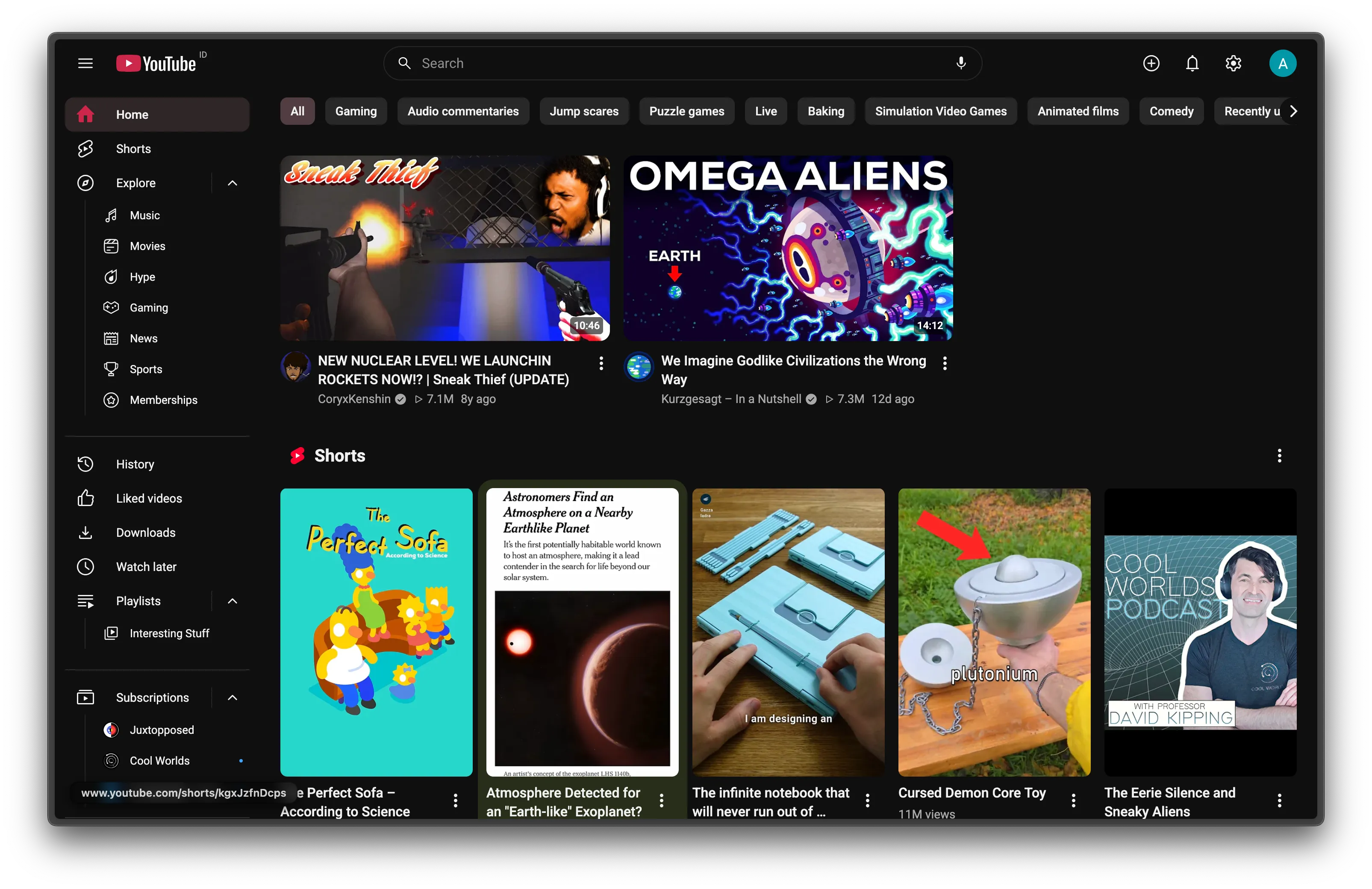
-
Look
One accent, one icon set
Chips, tabs, the progress bar and Subscribe share one color, and you pick it. A single icon set replaces YouTube's three in buttons and menus, drawn over YouTube's own so they keep working. The search bar becomes one outlined pill, and all text is set in Plus Jakarta Sans or a font you pick.
How it works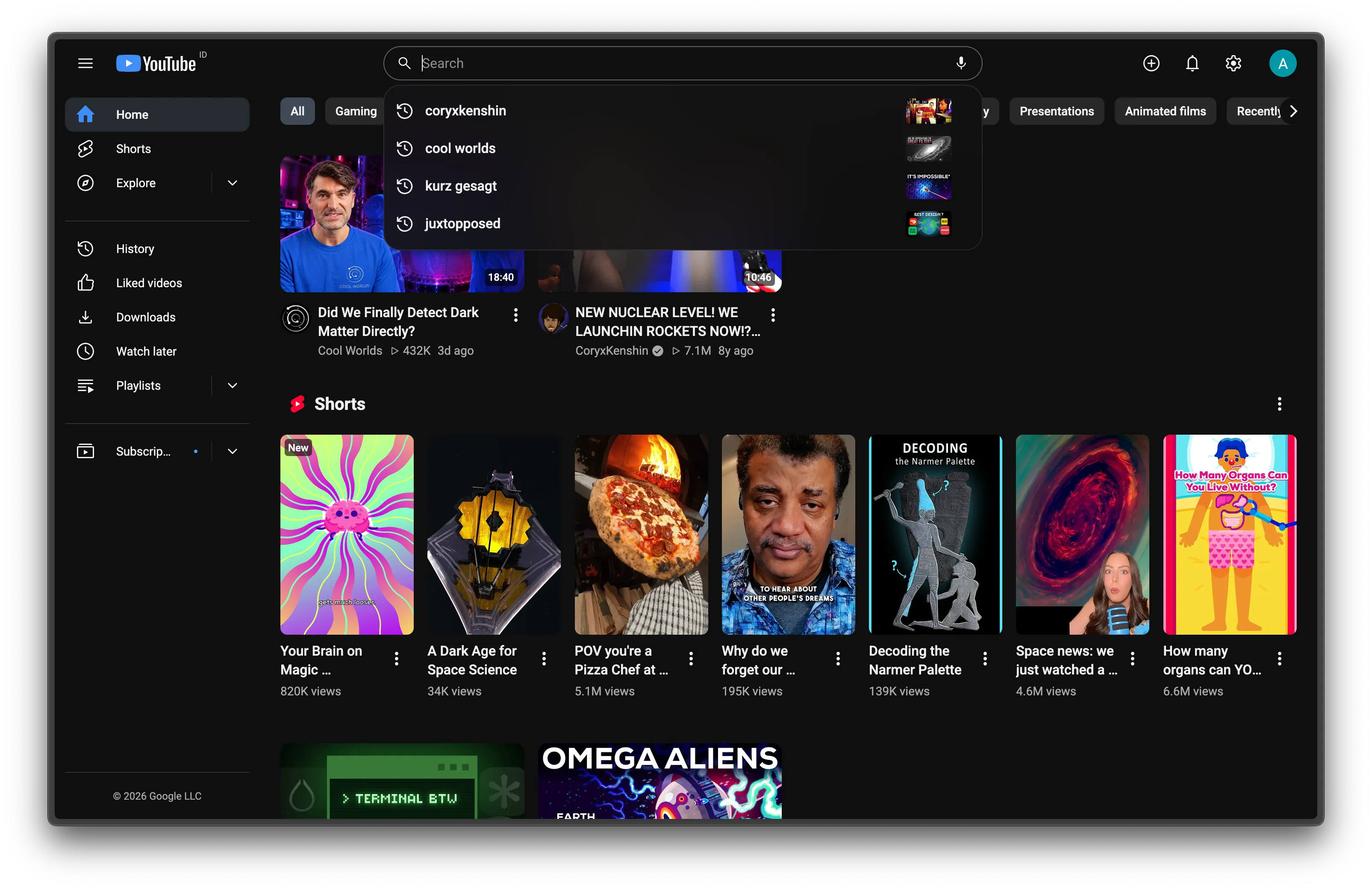
-
Shorts
Shorts, gone
Shorts shelves disappear from Home, Subscriptions, search and channels. A Shorts link opens in the normal player, with a seek bar.
How it works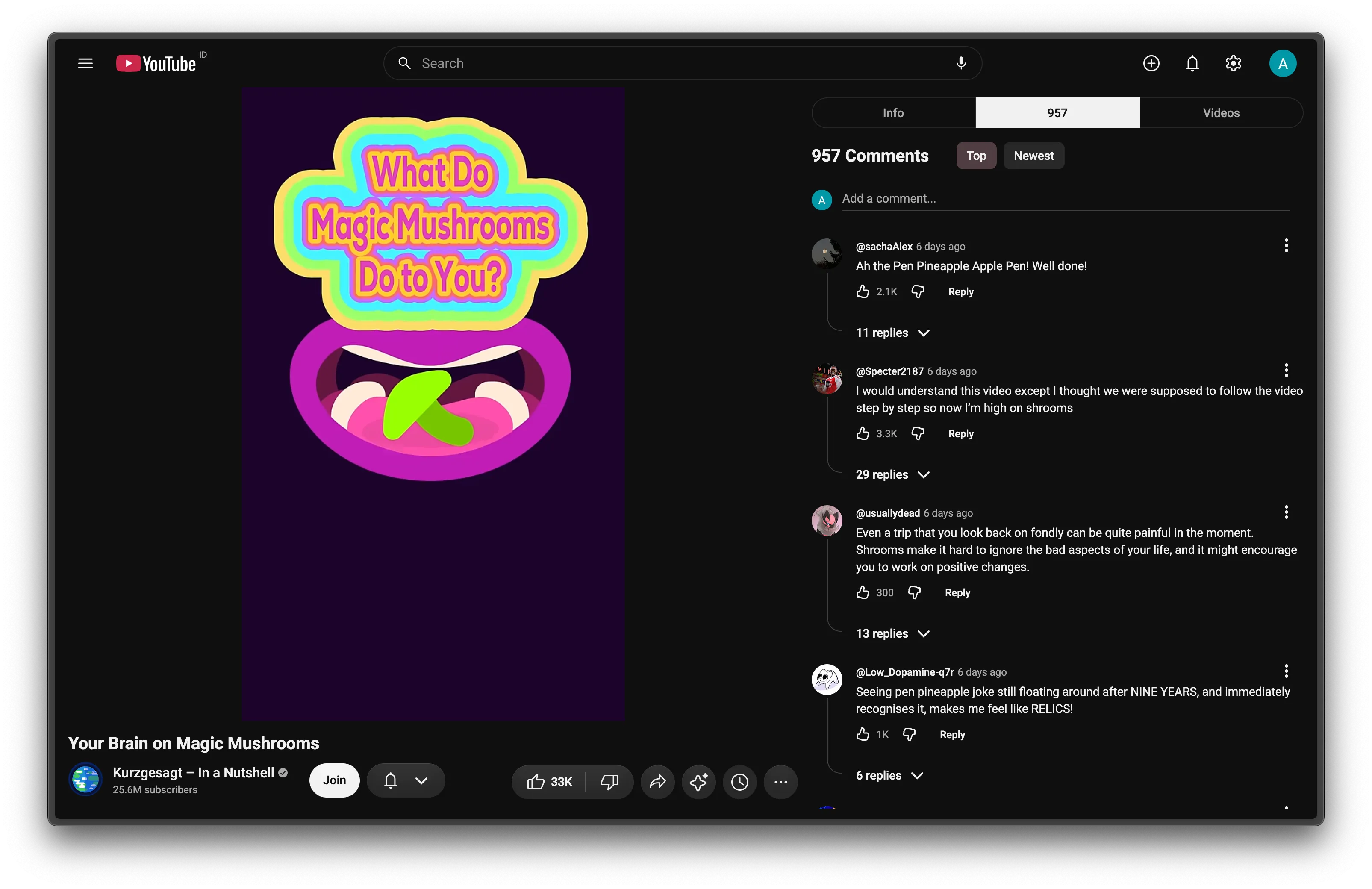
-
Settings
Every change is a switch
Turn any feature off in the popup and its CSS and code are gone at once, with YouTube's page back as it was. No reload.
How it works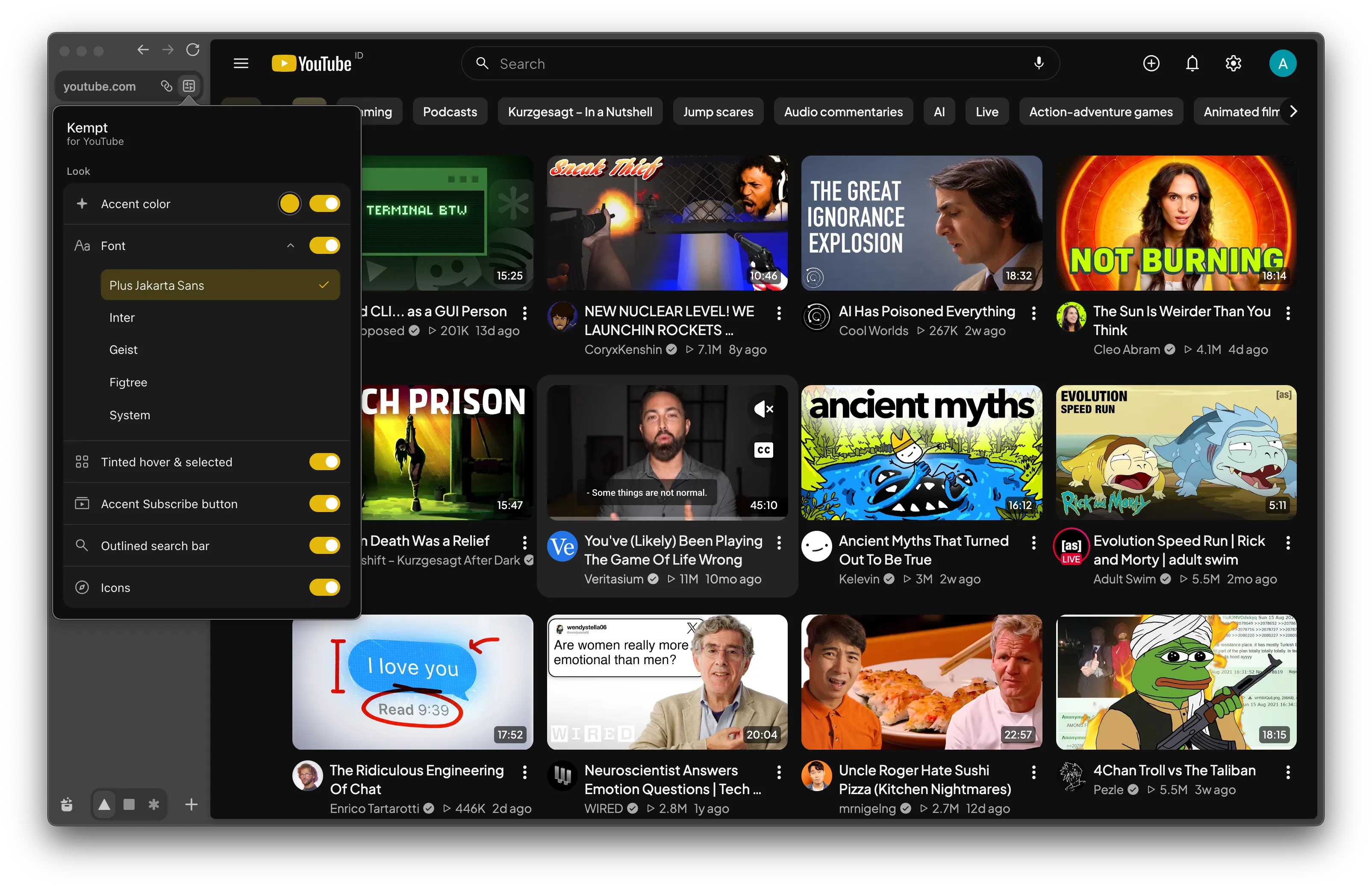
11 languages
Labels follow YouTube's UI language.
Light on battery
CSS first. No background timers; observers stop once done.
Private
One permission: storage. No server, no analytics.
Light and dark
Follows YouTube's theme.
Install