Kempt
Kempt is a browser extension that restyles YouTube into one consistent design. It runs on Firefox 128+ and on Chromium 120+ browsers.
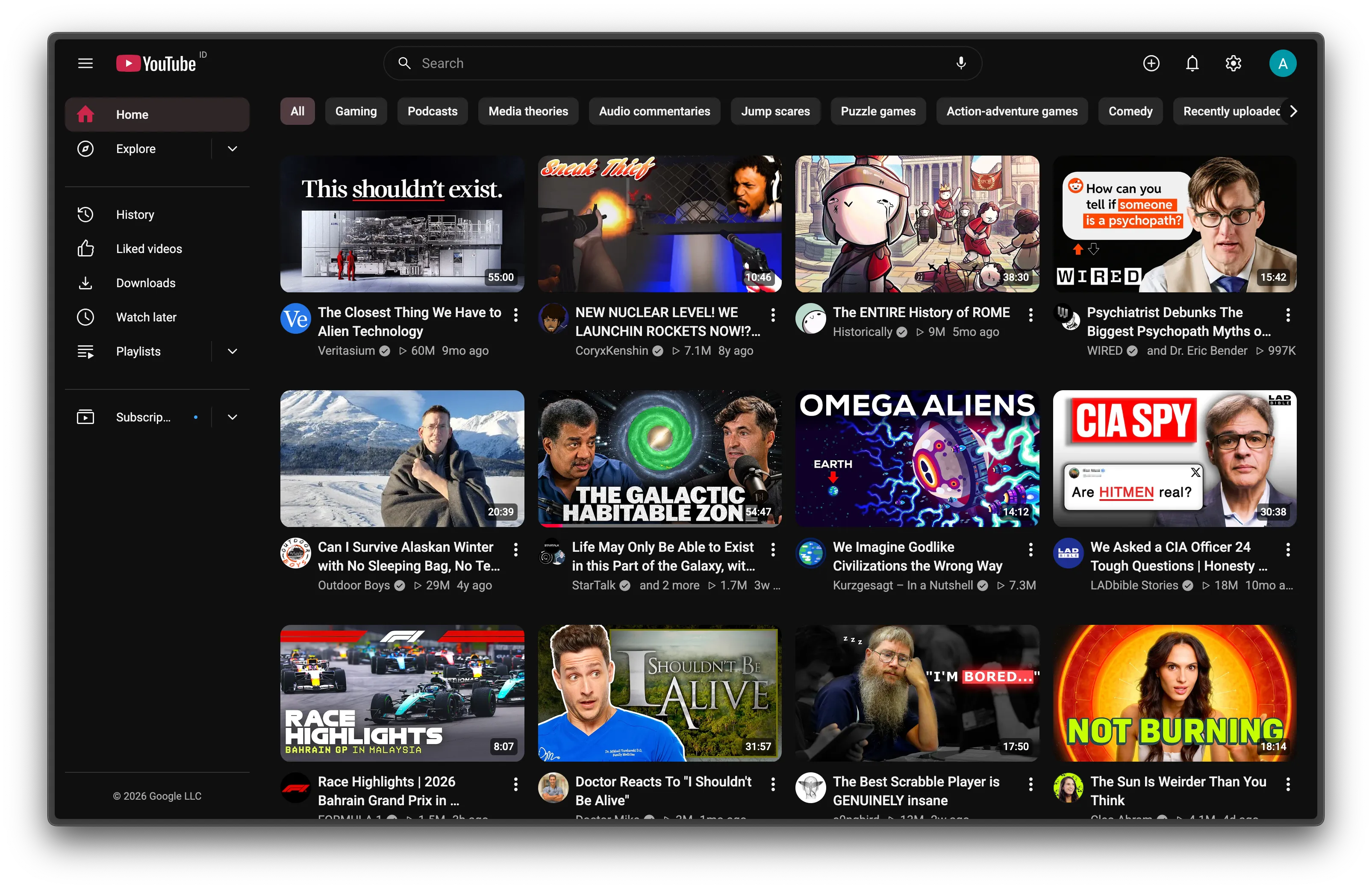
What changes
Section titled “What changes”| Where | Change |
|---|---|
| Watch page | Info, Comments, Videos, Live chat and Ask AI as tabs beside the player. Apple-style captions, chips for comment sort, a Watch later button and an optional wavy progress bar. |
| Subscriptions, History | A timeline with date headers. Subscriptions also gets type chips and search. |
| Sidebar | Explore, Subscriptions and Playlists as dropdowns. Hide the entries you don’t use. |
| Everywhere | One accent color, tinted hover and selection, one icon set, an outlined search bar, Settings in the top bar. |
| Shorts | Hidden. Shorts links open in the normal player. |
Every change is a switch in the popup. When you turn one off, its CSS and code stop, and anything it moved goes back.
How these docs are organized
Section titled “How these docs are organized”- Start here covers installing, the popup, common questions and privacy.
- Features has one page per feature: what it does, its settings, then how it works and its limits.
- How it works is for contributors: the core model, the bridge into YouTube’s page, the performance rules and how to add a feature.
Design rules
Section titled “Design rules”Kempt follows four rules, and every feature page shows how it applies them.
- CSS before JS. A visual change is a stylesheet rule. Code runs only to add, move or read something, or to change navigation.
- Every feature is reversible. Turning it off restores YouTube’s page without a reload.
- No polling and no page-wide observers. Kempt reacts to YouTube’s own navigation event and watches only the containers it needs.
- YouTube’s selectors live in one place each, so a YouTube update is one
grepaway from a fix.